Update on Jump Verification Email delays

Thank you to those partners who have provided feedback on this issue. While this is still not fully resolved, it appears to be an issue in the cloud between a Microsoft ‘send’ server and a Google ‘receive’ server. One partner has tested this by hot spotting through their phone and this didn’t seem to make any difference, so my previous suggestion about using your Jump demo modem is not likely to be a solution.

One thing we did learn today is that the timeout for the Verification Code is around 5 minutes. So if the email with the verification code doesn’t arrive within 5 minutes, then there is no point in waiting, as the code will have expired. The best strategy is to try again (after 5 minutes). Certainly get your customer to check their spam box while you are waiting; one partner mentioned all three sign ups today went to spam.

The partly good news is that this problem is intermittent and partners have successfully signed up 917 new customers this month, including 53 today (so far).

Verification email delays continuing to plague Jump signups

It is now over three weeks since this problem was first reported and despite the best efforts of the Skinny Jump team, there is no immediate resolution in sight. Indications so far is that it is affecting customers with gmail.com addresses, but this could simply be because this is what most Jump customers use. Another suggestion is that some corporate networks (such as local authorities) could have tightened the scrutiny on incoming email to Gmail addresses. This would affect Jump customers signing up using library computers or wifi, for example. Any mail considered to be somewhat suspicious is usually directed into spam folders or in the case of corporate enterprises to a centralised filter that delays the mail until it is manually released or processed and deemed to be safe.

We don’t know for sure if this is the case, but we do know that most of the problems are being reported by our larger library partners.

Our team was in Nelson last week and together with Nelson Library staff signed up 15 new Jump connections at Franklyn Village, a social housing complex. And the good news was that the verification emails all arrived as expected, i.e. within seconds. One difference was that we were using a Jump connection for the sign ups – so that got us thinking!

Partners experiencing these verification email delays when signing up customers might like to try using a Jump connection. Many Jump partners are already using a Jump modem for demo purposes, so it would be just a matter of ensuring it is active when signing up new customers.

We would really like to know how this works out, so please email us (jump@diaa.nz) if it doesn’t make any difference, then we will know it has nothing to do with your local network and will need to reach further into the email cloud. To help the Skinny team with their investigations, they have asked if you could capture email header information and send River (river.burich@spark.co.nz) and me (jump@diaa.nz) a copy if you a notice a delay of more than a few minutes. You can find instructions for doing this here.

Thanks for your help. We do need to get to the bottom of this.

Ciena Signups – Which Name?

Some Ciena Jump partners have asked about which name to use in the Jump Profile form – the student’s name or the parent/caregiver?

The general principle is that Jump account holders (whether modems are provisioned for special plans like Ciena or not) should be the people who have responsibility for the account. In the case of standard Jump, this is the person who is responsible for topping up the account. This is normally an adult.

For special plans like Ciena, the person identified on the Jump Profile form should be the parent or caregiver. So while, there is no need to top up the account, any communications about the programme should go to a responsible adult.

The first communication is an email notification when the account has been provisioned for Ciena (generally a couple of days after signing up) and further emails will be sent towards the end of the year explaining options when the current programme ends.

Possible problem receiving verification emails when using the App to sign up to Jump

A number of partners have been in touch about a problem they are experiencing in receiving the verification email when signing up new Jump customers. One has reported a delay of around 20 minutes.

The Skinny Jump team has been able to replicate this problem for sign ups using the App – with a 15 minute delay. However a desktop signup appears to get the confirmation email within 60 seconds.

We are interested in hearing from anyone who is experiencing this problem to help us understand if it just App signups or whether anyone is experiencing this with desktop signups as well.

Be assured the Jump development team is on the case and hopefully this will be resolved quickly.

It would help in diagnosing this problem if partners could provide the following details if this problem is encountered and email the information to: jump@diaa.nz

Customer name:

Broadband number:

Email address used for Jump sign-up:

Approximate Time/date of email registration:

Approximate Time/date of Verification Code email being received:

Managing your Jump Waiting Lists

Thank you to Jump partners who are using the Waiting List process as described in my blog post from August 2022. For the most part this seems to be working very well, although we are aware that some partners have their own processes for doing this.

The benefit of using my suggested process is that we can take into account people on your Waitlist when sending you new supplies. Our objective is to try and keep you stocked with Jump modems so that you never run out. But we can’t do this if we don’t know how big your waitlist is.

We currently have modem orders in the pipeline for over 150 partners and this means that there can be a delay of up to 2 months before new supplies arrive. We are continuing to give priority to Ciena partners and partners with waiting lists recorded in their GDoc registers.

There are currently around 500 people on the Jump waitlists – and these are just the ones we know about. As modems are issued and we receive completed Profile Forms, we add the customer to your GDoc and remove them from your waitlist. This works most of the time, but we would appreciate your assistance in keeping your waitlists ‘real’.

For example, some people have been on a waitlist for over 6 months and we suspect that they might have found other options. If you know of anyone in this situation, please delete their names from your Wait List.

The Auckland Library team has come up with a good process for managing their waitlists: when they receive a new supply of modems, they notify customers on the waitlist that they have 2 weeks to arrange a time to collect a modem. Anyone who does not respond within 2 weeks is removed from the waitlist and the modem becomes available to issue to other customers.

One final point about the waitlists – please make sure you include the date in column E when customers are added to the waitlist, using the following date format: 9-jun-2023. Google Docs can get confused with dates in the following format 9/6/2023 – is this 9 June (NZ format) or 6 September (US format)?
Ciena Plan – programme being extended to more regions

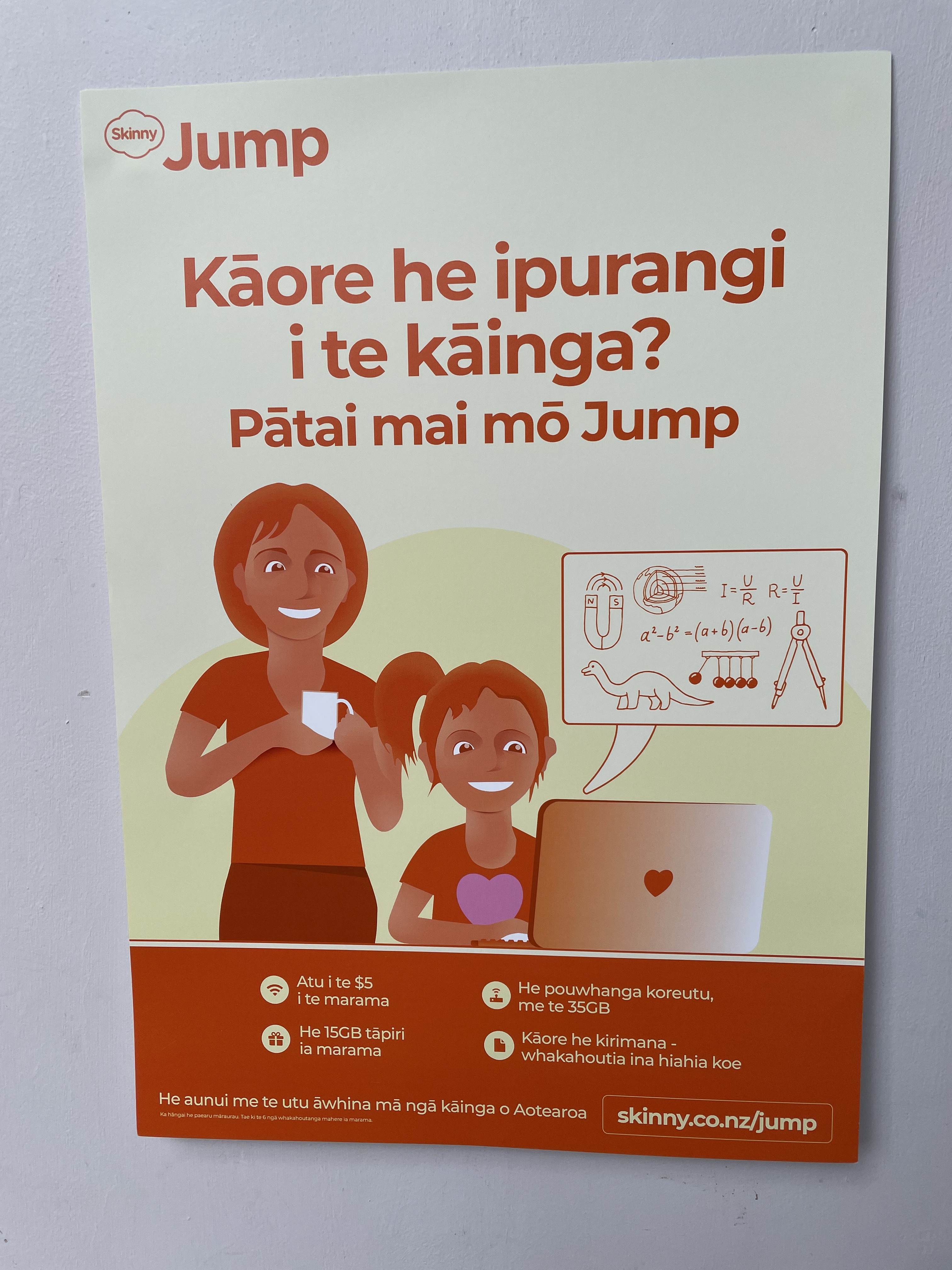
The Skinny Jump team has agreed to expand the reach of the Ciena programme to more Jump partners. This offers Jump households with school-aged children a fully funded Jump connection for the remainder of the 2023 school year (to the end of December 2023). Nearly 200 new families in 30 different areas have taken up this offer since the pilot extension was offered in February 2023.

You can find out more information about this programme on the Skinny Jump website and by watching our partner briefing session for those participating in the pilot (just a tip if you are viewing the recording of this webinar, for best quality viewing, we suggest you use the High Definition (1080p) setting:

We are now calling for Expressions of Interest (EOI) from other Jump partners who may be interested in offering the Ciena programme to students in your local schools. We were not able to include every partner who submitted an EOI in the pilot programme; in some cases this was because of limited capacity on Spark’s 4G cell towers. If you are still interested, please complete this new EOI and we’ll check the coverage situation again.  

Please submit your EOIs no later than Friday 16 June 2023

Jump customers being offered library cards

I learnt about a great initiative by Te Takere’s digital inclusion librarian, Leala Faleseuga, earlier this week. She explained that whenever she signs up a customer for Jump she asks them if they have a library card, and if not she is quick to sign them up. And then she can introduce them to the free eLibrary resources offered by Horowhenua Libraries, including Libby, Hoopla and Cloud Library.

I know that most, if not all library partners, are providing eLibrary services for their communities, but what impressed me about Leala’s approach is how she and her team at Te Takere are making the connection between digital connectivity and content.

I have mentioned this to a few other library partners during the week and they were quick to respond with “what a good idea!”

Our (DIAA) vision for Jump was that this would provide a pathway for communities to increase their digital skills and engagement with the digital world.

Having access to a digital device and an affordable internet device is just the beginning. Thank you to all our partners who are continuing to help their communities enjoy the benefits of the digital world.

I met with a senior government official during the week and she was so excited about being introduced to Libby by a librarian at Newtown Library in Wellington. She has now reached book number 200, thanks to Libby!

Jump Profile Forms required for all CIENA Jump Signups

Our Ciena Jump signups are moving along steadily, so thank you everyone for your efforts.

There is possibly one area of confusion that would be good to remind everyone doing Ciena signups about.

Every Ciena signup must include a Jump Profile Form, whether a new modem is being issued or not.

We are receiving some Ciena Referral Forms without a Profile Form being completed, often for customers who already have a regular Jump modem and are just seeking the additional sponsorship. But what this means is that we can’t process the application. We rely on the Profile Form to communicate with the Skinny support team that is responsible for Ciena provisioning. Ciena applicants identified through the Profile Form are extracted and added to a Google Sheet shared with Skinny. Skinny then updates this sheet when the modem is provisioned for Ciena and we advise the customer.

It would also be helpful if you can ensure that the parent authorising the Ciena application is the same person as the one completing the Profile Form. Sometimes, we are finding it difficult to match names, especially when it is impossible to read the handwritten name on the referral form.

Jump and Gmails with “+” or “.”

Now here’s a very interesting solution to one of the more challenging issues for some Jump customers.

Over the years, many partners have encountered the rather difficult situation when a customer turns up wanting a Jump modem and they already have a Skinny mobile phone account. The problem is that they cannot use the same email for both their Skinny phone account and their Skinny Jump account.

Our advice to date has been to simply set up a second email for the customer. But while this solves the problem for Skinny, we understand that it can make life more difficult for Jump customers. Having to manage two different email accounts, especially if you only have a smartphone, requires a degree of digital proficiency that many Jump customers don’t have.

The Jump App makes this a bit easier; once you have the App set up, you don’t really need to worry too much about the email that has been used. If you do forget it, you can always check your Account profile to find the email and change the password. But there will be times when your customer needs to access their Jump email account.

Tāwera Akehurst, who has recently taken over from Alan Bucheler as the Partnership Delivery Lead for Skinny Jump, pointed us in the direction of an interesting Gmail solution for situations that need different email addresses but where customers want the emails to appear in a single email account.

It is simply a matter of using the “+” or “.” symbols as part of the username. Gmail does not recognise these symbols and directs all mail to a single account.

For example: johnsmith@gmail.com is exactly the same as john.smith@gmail.com and johnsmith+jump@gmail.com

Yet for online applications like Skinny Mobile and Skinny Jump, these are recognised as three different emails. Check out the link above for some other interesting things you can do with these variants on your regular email.

Ordering supplies of Jump collateral

This is just a reminder for partners about the process for procuring additional copies of Jump collateral. This has been brought to our attention because we are expecting that many partners will have exhausted their supplies of the Modem Recovery Flyer with the sticker that we have asked you to explain to customers and make sure they stick this reminder on their modems before they take them home.

This sticker explains to customers what they need to do if they stop using their modem – return it to a nearby partner or call the Skinny Care team to arrange for a recovery courier bag to be sent.

So, how do you get more stickers if you have run out?

Go to the Stepping UP website > Partners > Partners Resources Hub > Skinny Jump resources. Scroll down and you will find:

Click on this button and you will be directed to an online order form:

Note the suggested order quantity for the Modem Recovery Flyers is 100, but this will be overkill for many smaller Jump partners, who might only issue 1 or 2 modems a month. So please adjust the order quantity (in multiples of 10) to cover the number you expect to issue during the next 12 months.

It can take a number of weeks for these supplies to arrive from the printers, so if you need something urgently, please contact Shelley (shelley@diaa.nz) and she might be able to get some on the overnight courier.