The change to a universal login this week has resulted in a new URL for the sign-up web page. This has confused a number of partners, who (sensibly) keep a link to the Jump sign-up page as a shortcut on their desktops. It is important to update the link on any desktops where you sign customers up.
The new link is: https://signin.skinny.co.nz/?logobrand=skinnyjump
This takes you to a page that looks like this:
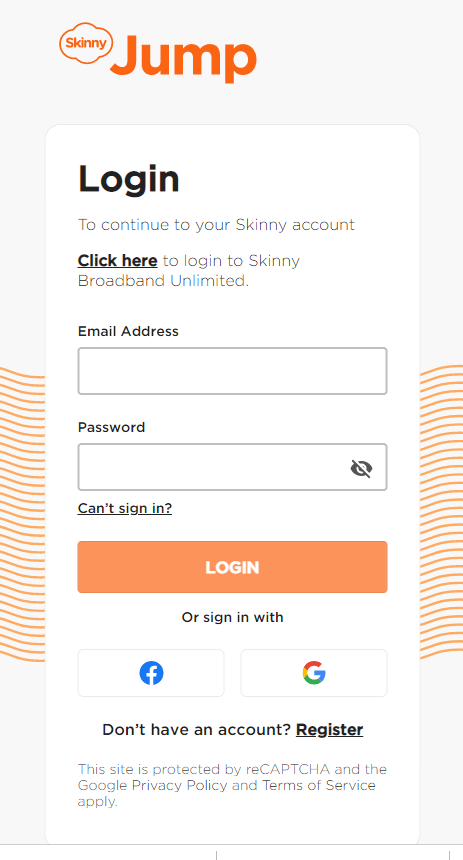
Note that for new customers, you have to scroll down below the Facebook and Google logos to find: “Don’t have an account? Register “. Some partners have reported that they can’t see the ‘Register’ link on this screen; it appears to get covered up by the Facebook and Google logos. This fault seems to be browser dependent, so do let us know if this happens for you and tell us what browser and what device you are using. We’ll pass this on to the web developers. Clicking on ‘Register’ takes you to this page:

Note also the more stringent requirements for the password. Partners familiar with the Jump App (as most are) will recognise this.
 Digital Inclusion Alliance Aotearoa