Thanks to Helen McCubbin at Tasman Libraries and her team at Tākaka Library who in December noticed a change in the Jump sign-in page when using a desktop computer:
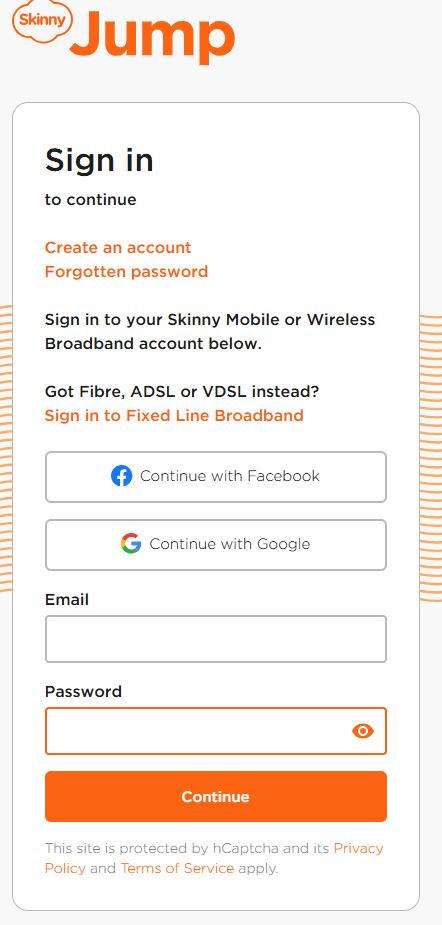
This means the instructions in the Partner Guide now don’t make sense; these will be updated in the next issue, probably later this year.
In the meantime, please follow these instructions when signing a new customer up using a laptop or desktop computer:
- Go to http://www.skinny.co.nz/jump and select “Login”
- Click ‘Create an account’ (formerly ‘Register’)
- Enter email address and new password for Skinny account
- …..then continue with steps to Register and Activate account

 Digital Inclusion Alliance Aotearoa